With over 90% of Kenyan smartphone users on WhatsApp, the app has become the default way customers talk to businesses asking about prices, placing orders, and chasing deliveries. The problem? Replying to every message manually doesn't scale. That's where a WhatsApp bot comes in.
In this guide, we'll explain what a WhatsApp bot is, how it works, and how businesses across Kenya and Africa are using bots to serve customers 24/7 without hiring more staff or writing a single line of code.
What Is a WhatsApp Bot?
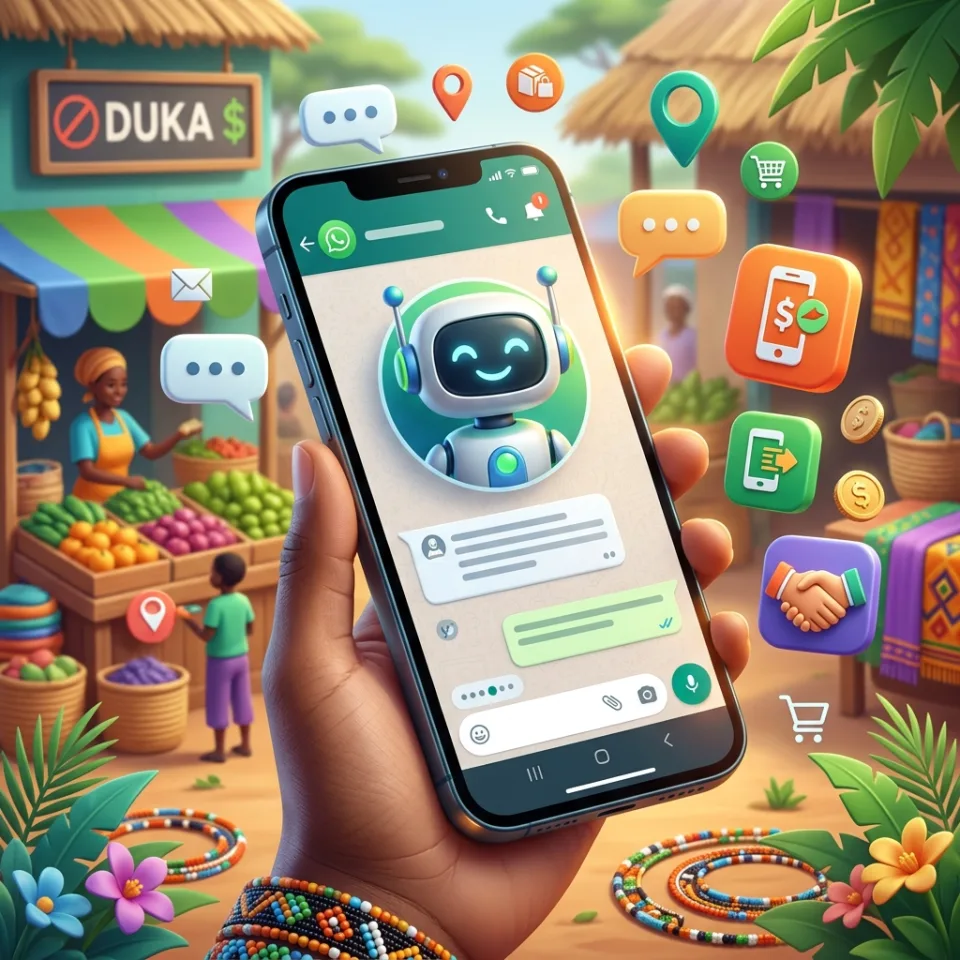
A WhatsApp bot (or WhatsApp chatbot) is an automated assistant that replies to messages on your business's WhatsApp number. When a customer sends a message, the bot responds instantly showing menus, answering questions, collecting details, and even processing payments.
Modern WhatsApp bots use the app's rich features:
- Reply buttons — customers tap a button instead of typing
- List menus — scrollable menus for products or services
- Media messages — send images, PDFs, and location pins
- AI replies — answer free-form questions using artificial intelligence
What Can a WhatsApp Bot Do for Your Business?
1. 24/7 Customer Support
Your bot answers common questions opening hours, prices, delivery areas instantly, at any time of day. With an AI agent in the flow, it can even handle free-form questions like "do you deliver to Thika on Sundays?" and hand over to a human when the conversation needs one.
2. Taking Orders
Show your product catalog as a WhatsApp list menu, let customers pick items, confirm the order, and save it to a dataset or send it to your existing system via API.
3. Collecting M-PESA Payments
This is where bots built for the Kenyan market shine. A payment step in your bot can trigger an M-PESA STK push on the customer's phone they enter their PIN, and your bot confirms the payment in the same conversation.
4. Bookings and Lead Generation
Collect names, phone numbers, preferred dates, and locations through a guided conversation, then follow up with confirmations via WhatsApp or SMS.
WhatsApp Bot vs USSD: Which Should You Choose?
If you've read our guide to USSD, you might wonder which channel is right for you. The honest answer: most Kenyan businesses need both.
- WhatsApp reaches smartphone users with rich menus, images, and AI conversations but requires internet.
- USSD reaches every phone, including feature phones, with no internet required perfect for rural customers and quick transactions.
With UFlow, you don't have to choose. The same platform builds both, sharing the same datasets, API connections, and M-PESA setup.
How Do You Build a WhatsApp Bot?
Traditionally, building a WhatsApp bot meant hiring developers, registering for the WhatsApp Business API, and waiting weeks for Meta's approval process. With a no-code WhatsApp bot builder like UFlow, the process looks like this:
- Describe your bot to the AI assistant — e.g. "a customer support bot for my electronics shop with order tracking" and the entire flow is generated for you.
- Customize it in the drag-and-drop editor — adjust messages, buttons, menus, and payment steps visually.
- Test it in the built-in simulator — chat with your bot in the browser before going live.
- Link your WhatsApp number — scan a QR code from your dashboard and your bot is live in minutes.
No Meta approval needed to start
Unlike the official WhatsApp Business API onboarding, UFlow lets you link a WhatsApp number by scanning a QR code the same way WhatsApp Web works. You can be live the same afternoon.
How Much Does a WhatsApp Bot Cost in Kenya?
Custom WhatsApp bot development typically costs KES 100,000–500,000+ plus monthly maintenance. With a no-code builder, you can start free build your bot, test it in the simulator, and link your number then upgrade as your message volume grows.
Get Started Today
WhatsApp is where your customers already are. A bot makes sure they always get an answer even at midnight, even on holidays, even when your team is busy.
Build Your First WhatsApp Bot Free
Describe it to our AI, test it in the simulator, and link your number all without code.
Explore the WhatsApp Bot Builder